AI Manga Translator
Serifu is an AI manga translator that runs in your browser. Drop raw manga, manhwa or comics into the AI manga translator, and every page comes back translated and lettered into its own bubbles.
Translate in your browser
- Folder
- CBZ
- ZIP
- PNG
- JPEG
- WebP
One volume at a time is translated here, kept in this browser. Fonts, sizes and retouching are in the app · Download Serifu
Try the AI manga translator: 5 pages free when you sign up· nothing to install
AI manga translator examples
Drag the slider: the original on the left, the AI manga translator's output on the right. Unedited, exactly as it comes back.
Manga page
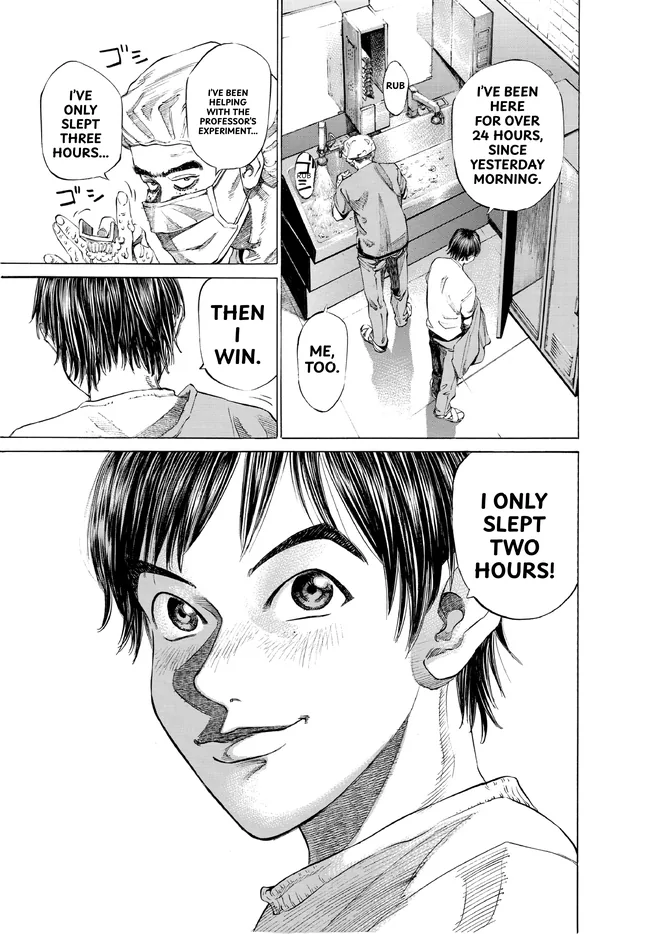
 OriginalTranslated
Retouched page
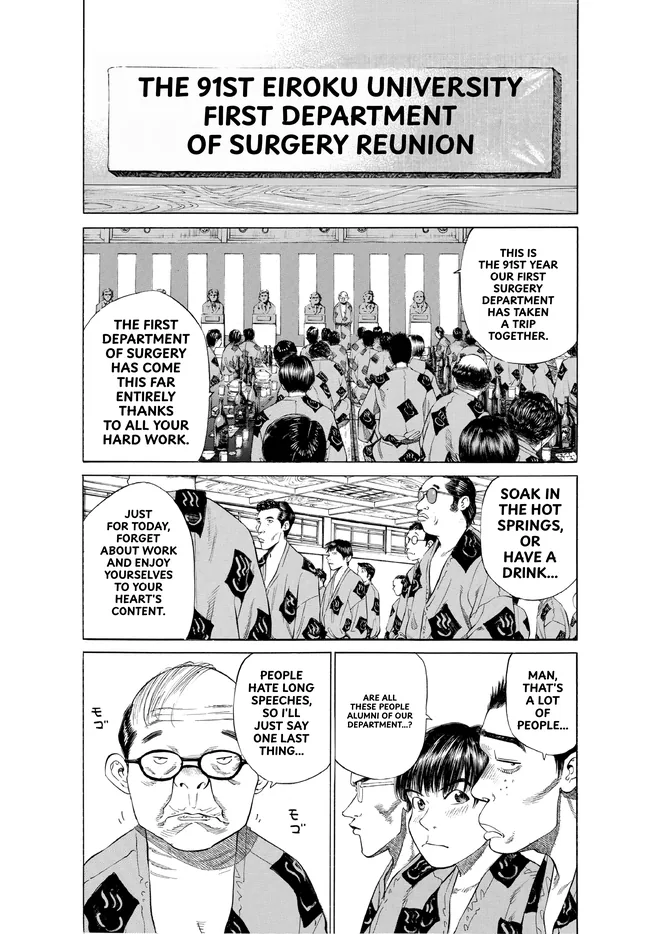
 OriginalTranslated
How to translate manga online with the AI manga translator
- 01
Drop a volume into the AI manga translator
A folder of pages, a CBZ or ZIP, a PDF, or the images themselves (PNG, JPEG, WebP). Pages are sorted by file name; for a long volume, choose Pages X to Y.
- 02
Check the price, then start
The AI manga translator costs 1 credit a page, shown before anything runs. A page that needs more is set aside and asked about, never charged unasked.
- 03
Read and export
Switch each page between Original and Translated, turn a line off or change its translation, then export the volume from the AI manga translator as CBZ, PDF or images. It stays in this browser until you remove it.
Why Serifu is the AI manga translator to use
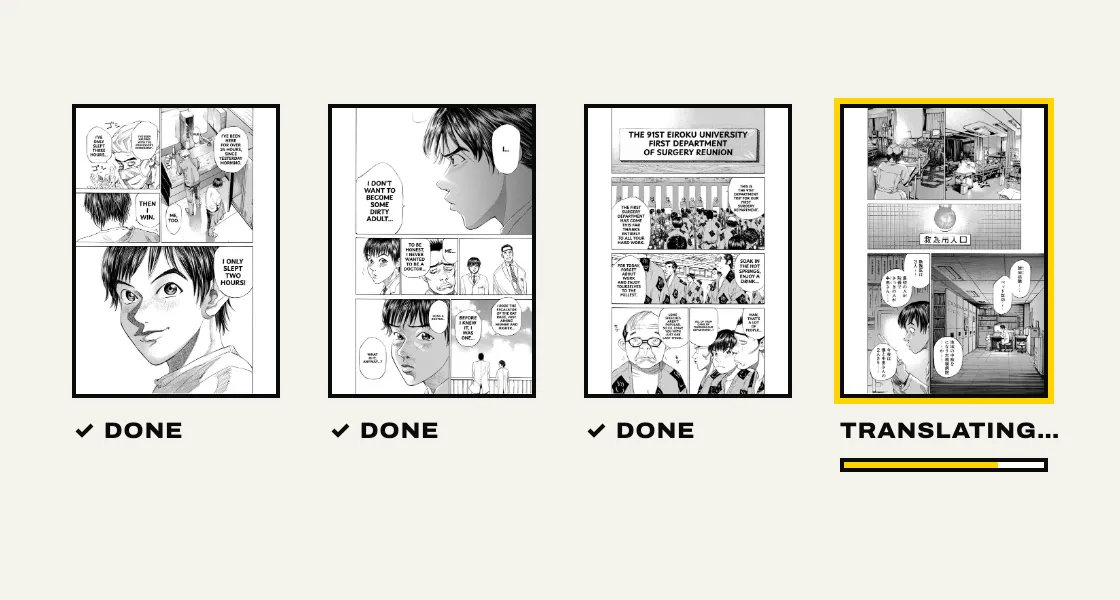
A whole volume at once
Most AI manga translator tools take one image at a time. This AI manga translator takes the chapter or the volume and translates it in reading order, page after page.
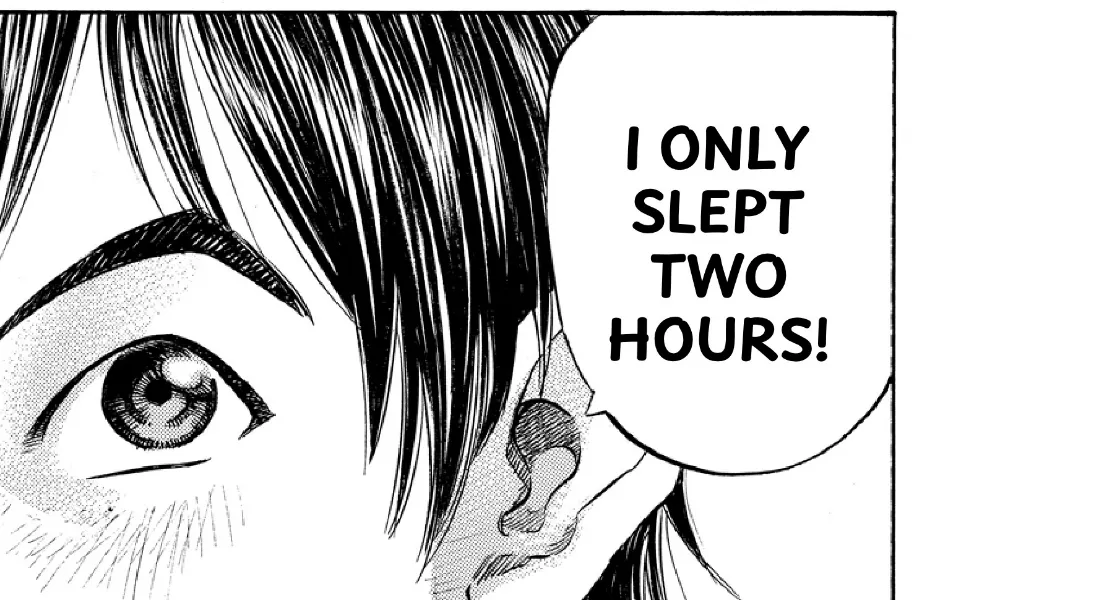
Lettered into the bubbles
The AI manga translator sets each line inside its bubble's own shape, in a comic face, exactly where the original text was. No boxes pasted over the art.
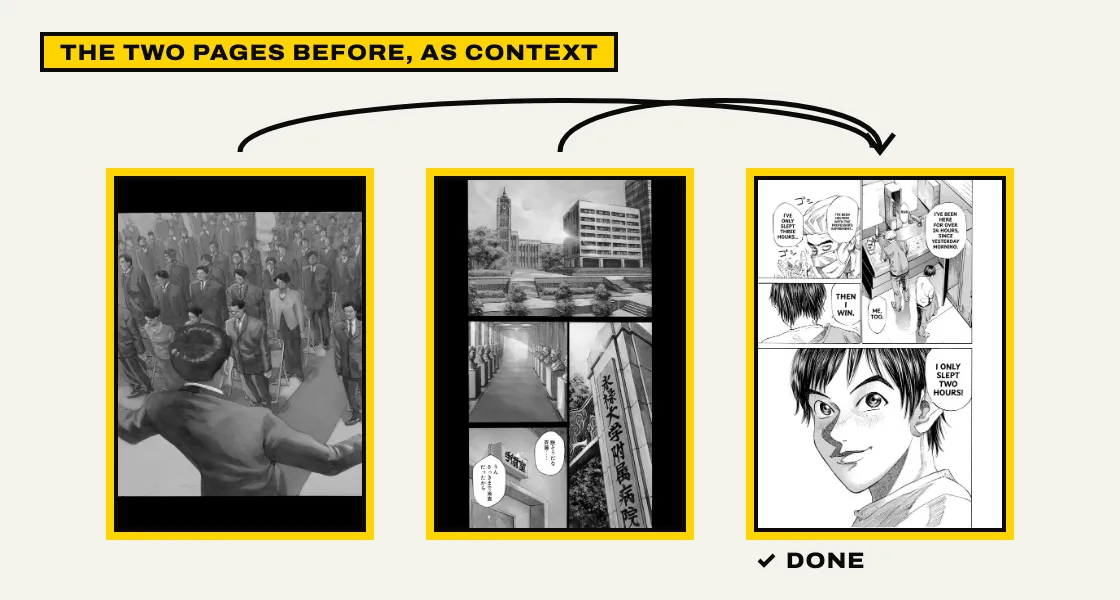
The whole page, read together
The AI manga translator reads each page as a page, with the two pages before it, so speakers, names and numbers stay right across the volume. An AI manga translator that reads line by line loses them.
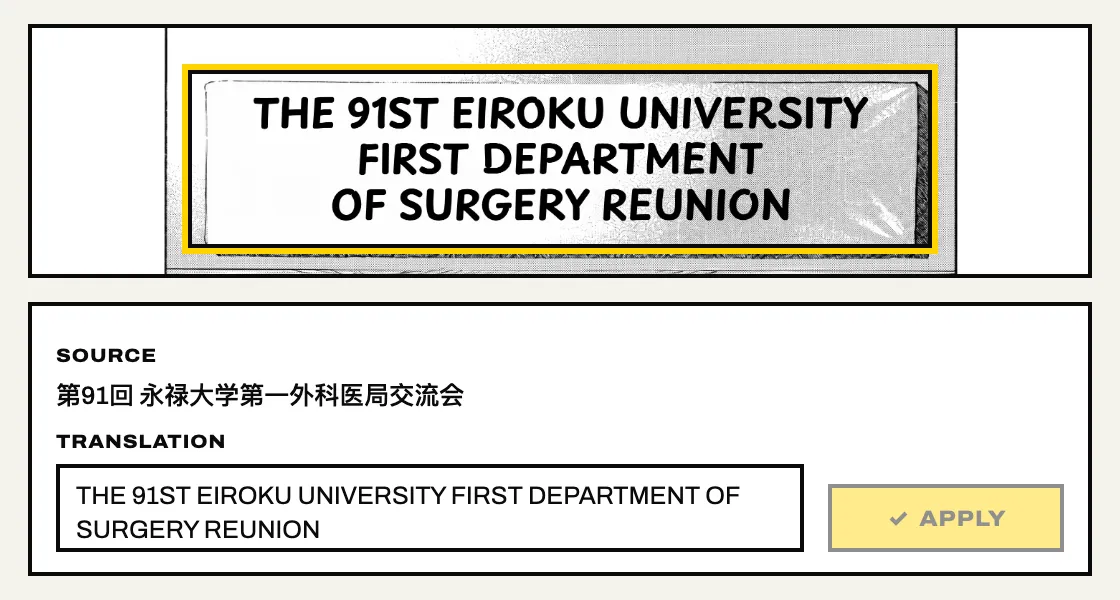
Fix a line, see it lettered
Click a line on the page, change the translation or turn it off, and the AI manga translator letters the page again in your browser.
- No graphics card
- No models to download
- No API keys
- Any laptop
Nothing to install
No graphics card, no models to download, no API keys. An AI manga translator that runs in a browser tab, on any laptop.
AI manga translator pricing
The AI manga translator costs 1 credit a page, whichever model. 5 pages are free when you sign up. After that, credits come in packs. No subscription; credits never expire, and the same credits work in the Serifu app.
Manga OCR, cleaning and typesetting: the AI manga translator app
The browser reads a volume. The Serifu manga translator app for macOS and Windows is where you make the translation your own.
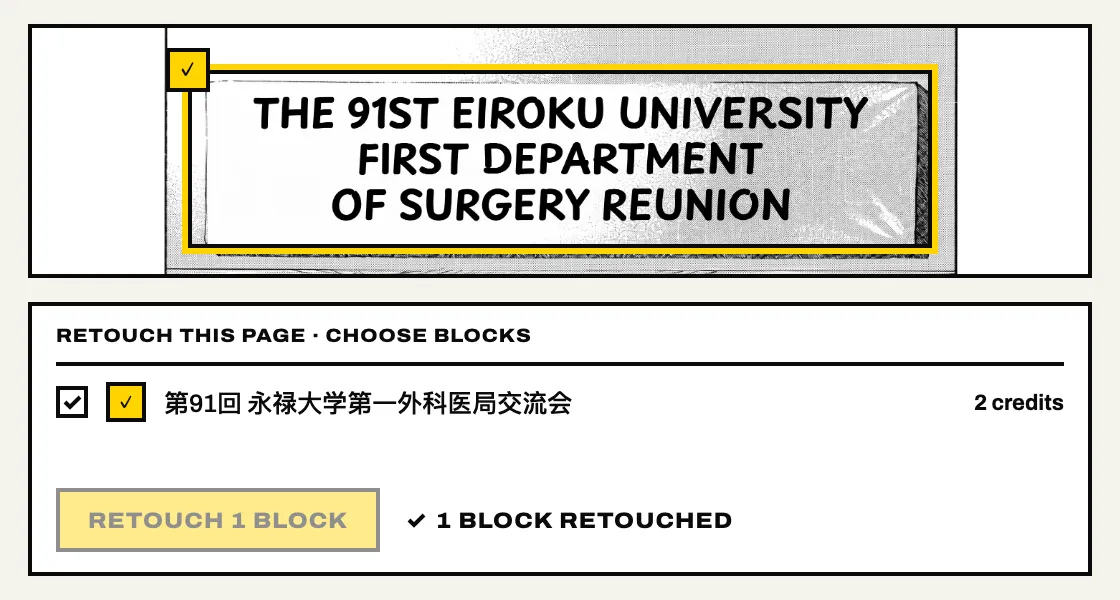
Retouch: text on the art, cleaned away
Sound effects, captions and signs drawn over the art are removed by the AI manga translator, the art behind them is filled back in, and the translation is set the way the original was drawn. Choose the blocks to retouch: 2 credits a block.
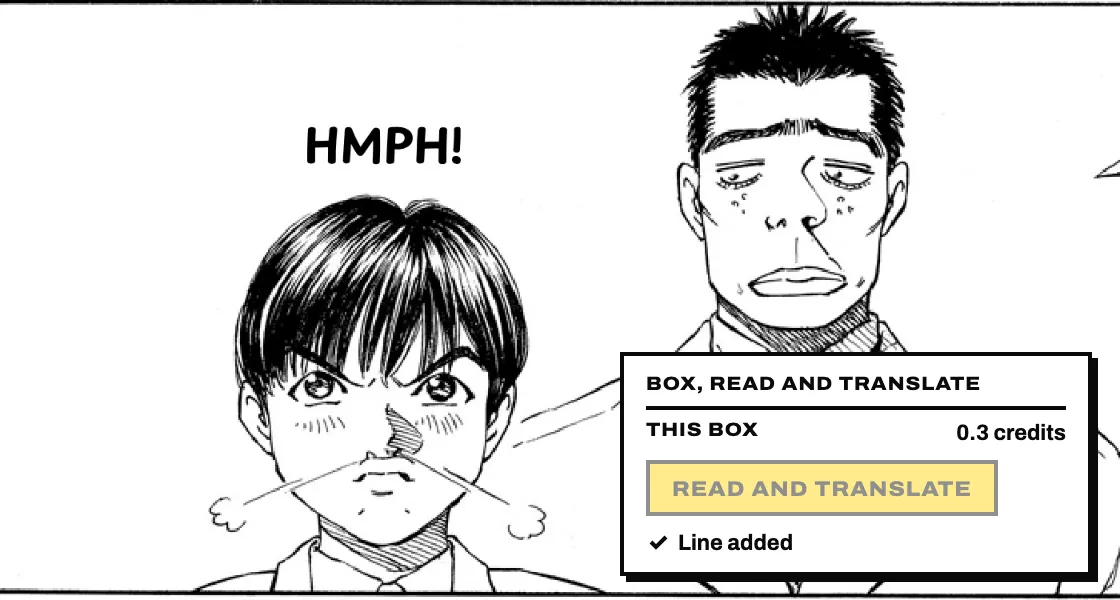
Box, read and translate
A line the AI manga translator missed, a sign in the background, a sound effect: draw a box around it, and it is read, translated and lettered in place. The price is shown before it runs.
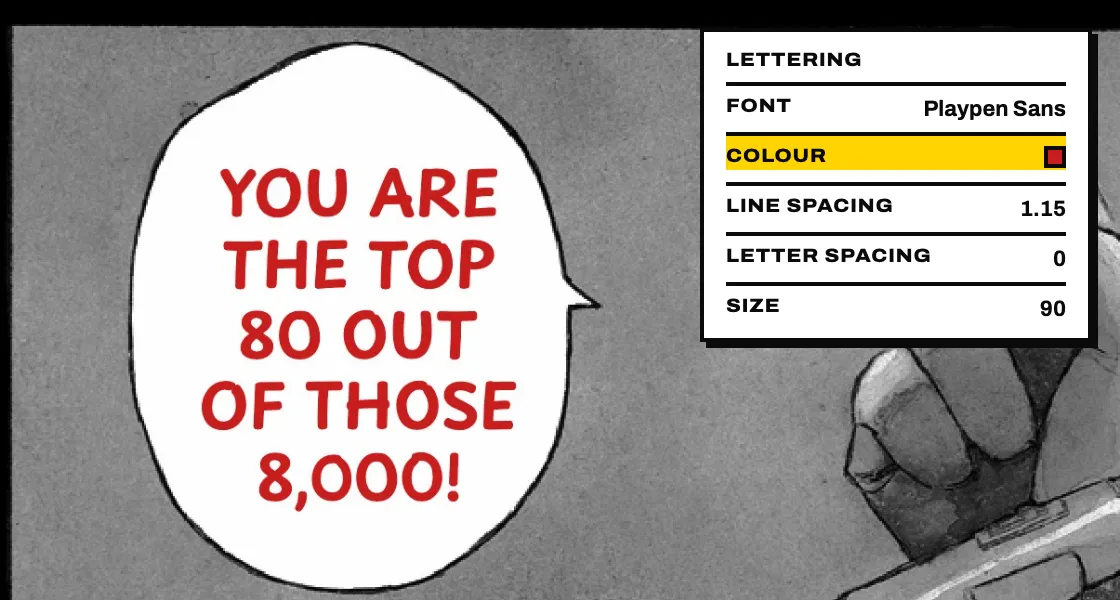
Edit every line's lettering
Change the text, move and resize its text box, set it horizontal or vertical, adjust line spacing and letter spacing, the font, size, colour and outline. Every value the AI manga translator sets is a control you can see.
Manga typesetting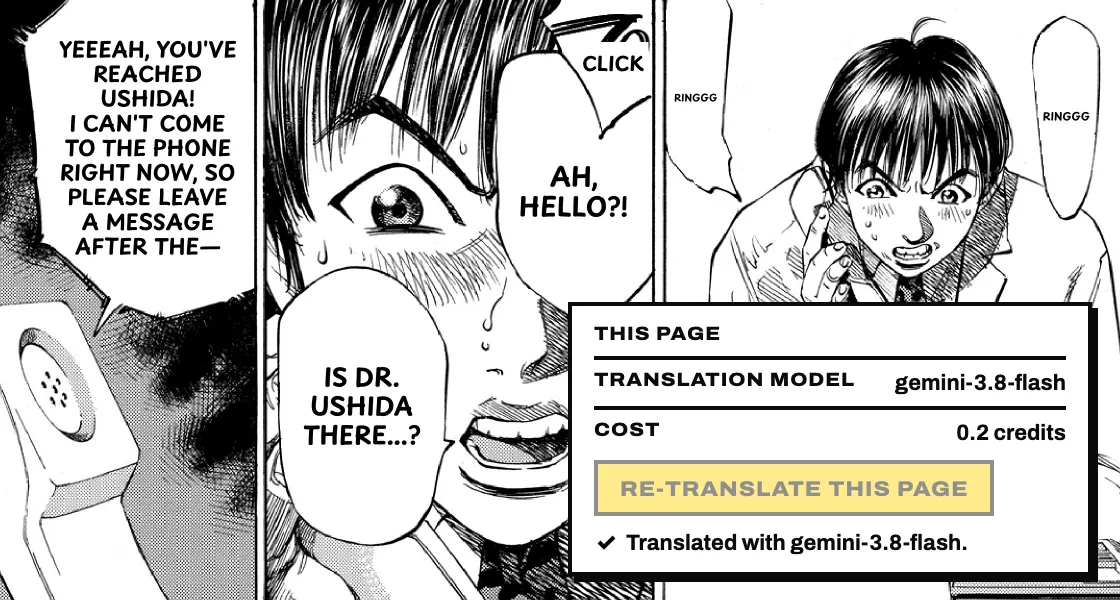
Switch the AI model
Not happy with a page or a line? Re-translate this page or Re-translate this line with another model in the AI manga translator; the price is shown before it runs.
AI manga translator FAQ
Is translating manga legal?
Serifu is an AI manga translator for reading the pages you have. It does not host, store or share manga. Publishing a translation of someone else's work needs the rights holder's permission.
What happens to my pages?
A page is sent to the AI manga translator and is not kept on serifu.net. The translated volume stays in this browser, on this device, until you remove it.
Which browsers work?
The AI manga translator needs a current browser with WebGPU. If yours does not have it, the page says so before you start.
What if I close the tab halfway?
The pages done stay. Open the volume again and choose Resume; the AI manga translator goes on with the pages before it as context. Pages not translated are not charged.
What if a page is refused?
The AI manga translator runs a content check on every page. A page refused before it is read gets its credit back; a page refused after it was read does not, because reading it was already paid for.
Do I need an account?
Yes, a free one. You sign in before the AI manga translator starts, so the credits each volume uses are counted in your account, and your balance is the same wherever you sign in.
Which languages can it read?
The AI manga translator reads Japanese, Korean, Chinese (simplified and traditional) and English, so manga, manhwa, manhua and comics all work. Japanese is read in its vertical columns as well as across.
Does it translate webtoons?
Yes. Choose Webtoon when you drop a chapter: the AI manga translator joins its images, cuts the strip into pages at the gaps between panels, and letters every page; export it back as one long image or as the slices it came in. Manhwa that comes as pages is translated like any volume.
Does a person check the translation?
No. What you read is the AI manga translator's output as it comes back; nobody at Serifu reads or edits your pages. If a line is not right, change it yourself.